Shader Exploration
description
In order to build shader skills, I delved into learning about both HLSL and the Unreal Engine
Material Graph. I learned basics from tutorials such as Dapper Dino, and adapted the
base code with my own research and learning. Throughout the shader process for both Unity
and Unreal Engine, I have learned about vertex displacement, colors, lighting, normals, and more.
timeline
06/2025
role
individual
tools
Unity,
HLSL,
Unreal Engine
unreal engine
Bubble
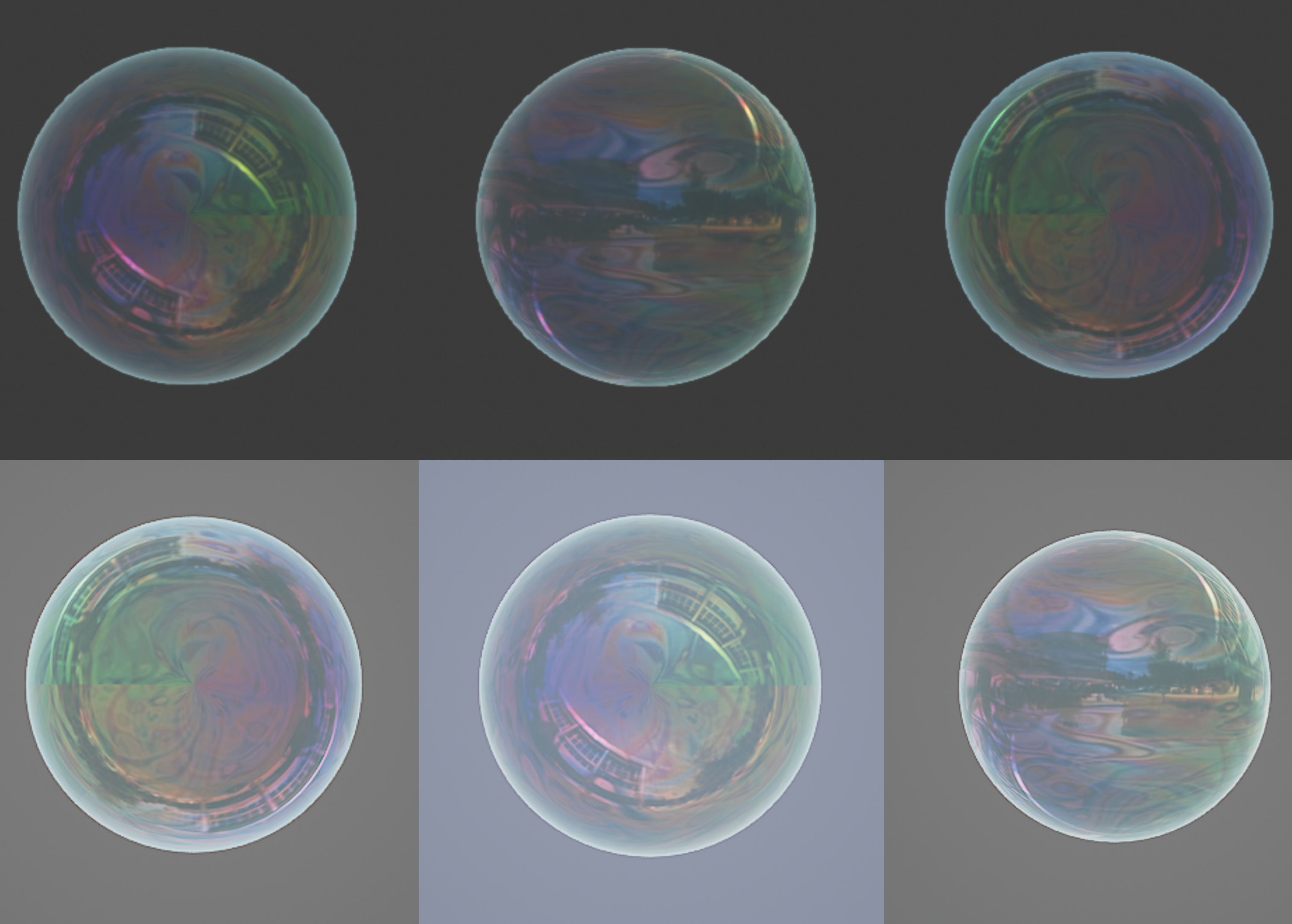
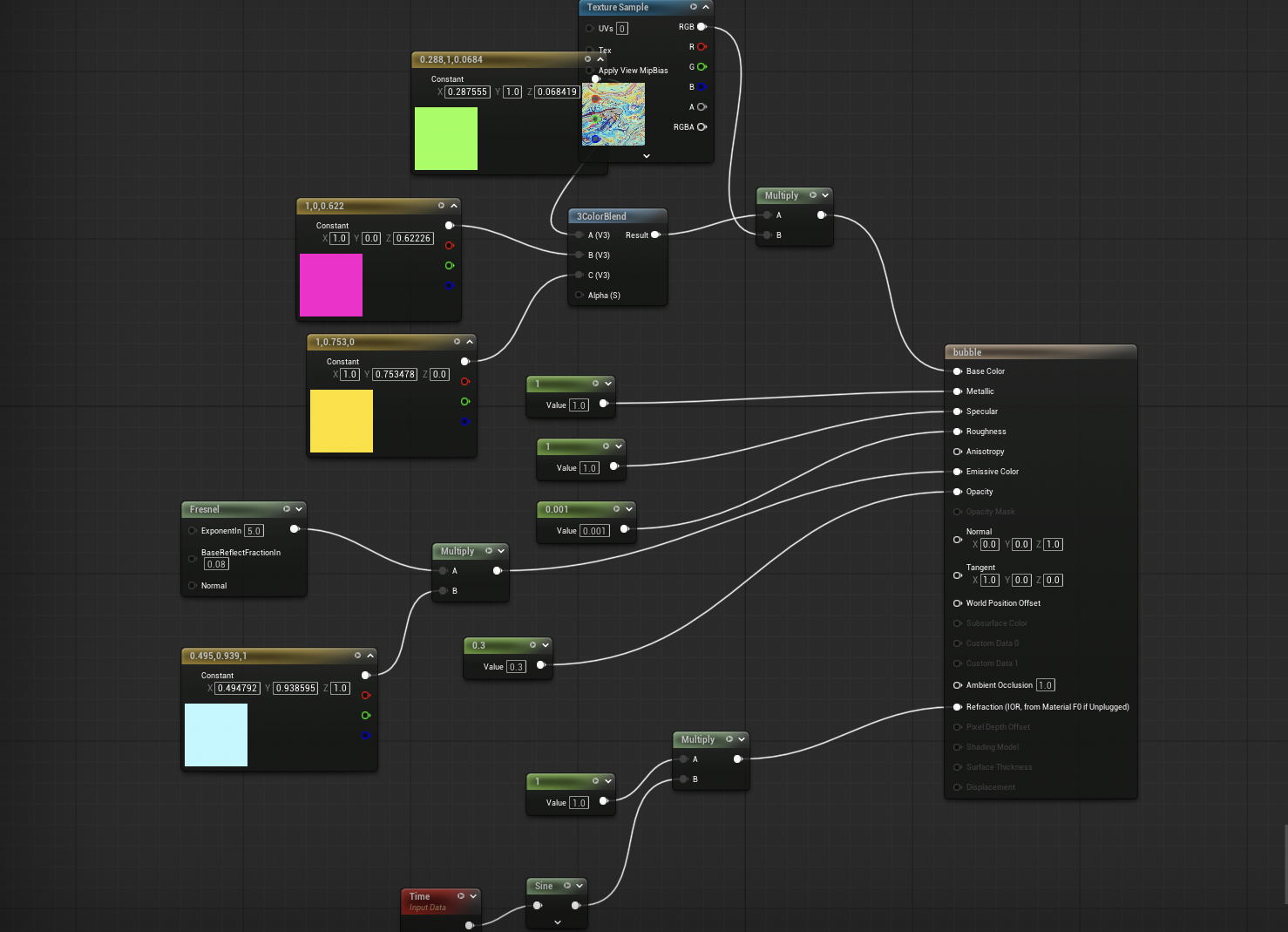
This stylized bubble material was created in Unreal Engine using Material Graph. I wanted to replicate the thin, colorful, reflective look of real soap bubbles. It uses scalar parameters for metallic, specular, roughness, opacity, and refraction to control surface properties. To simulate the rainbow-like edge highlight, I used a Fresnel node multiplied by a color vector for emissive glow. The main body color is built using a 3ColorBlend and a texture sample, allowing me to create rich color variation across the bubble’s surface. I also experimented with panning textures and animated refraction to simulate subtle wobble.
hlsl / unity
Water
This custom Unity shader simulates dynamic surface waves with lighting and normal mapping. I built it using HLSL in Unity’s ShaderLab, following and modifying techniques from beginner tutorials to understand vertex displacement and fragment shading. The wave effect is driven by a sine function applied to the world position in the vertex shader, with adjustable parameters for speed, strength, and height. In the fragment shader, a normal map is used to add lighting detail, and a lerp between two colors based on height gives the shader its animated appearance.
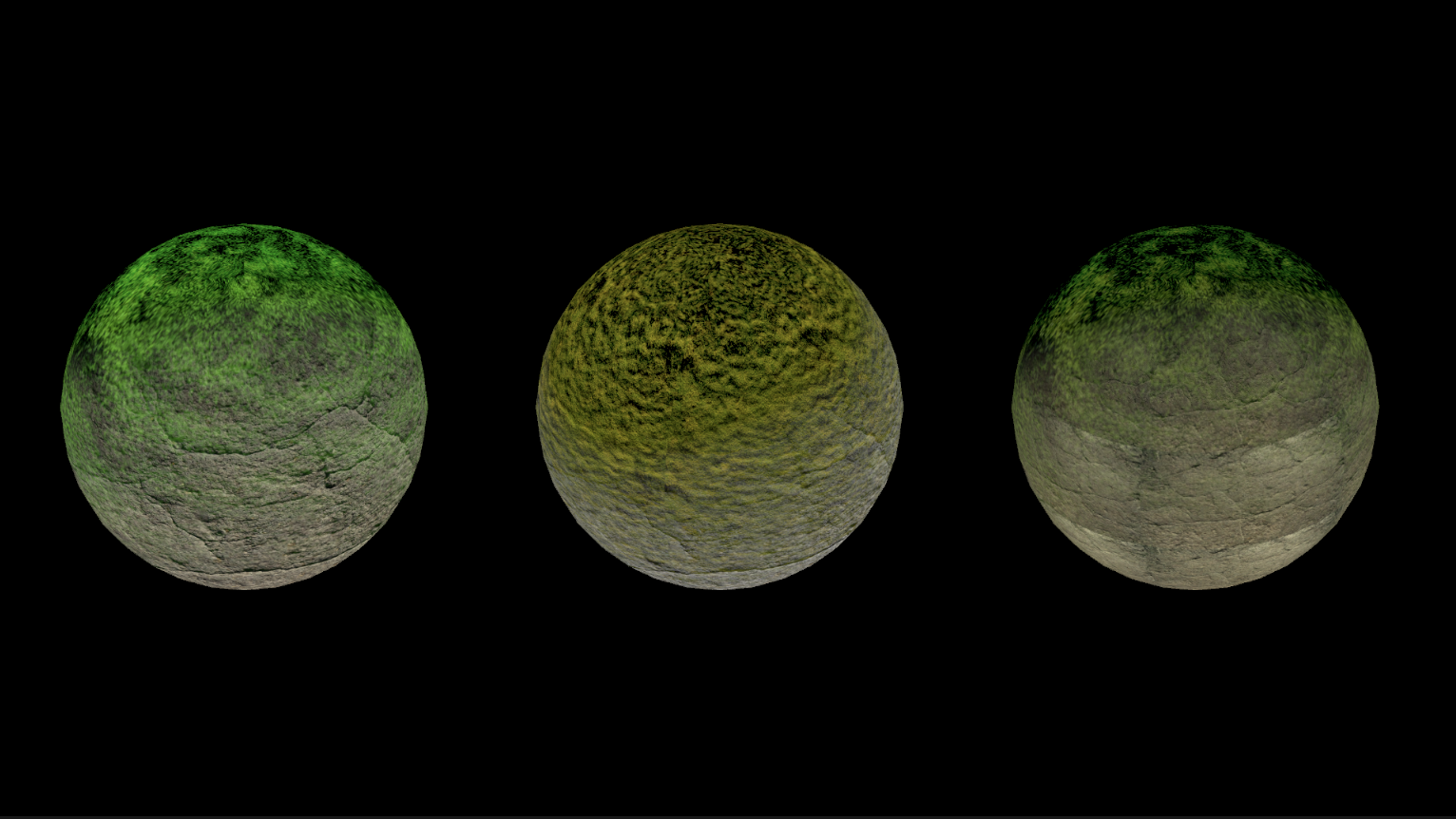
Rock + Grass
This shader blends two textures (like rock and grass) based on the surface's world-space direction and angle, using dot product math and a fresnel effect for smoother transitions. I customized it from a tutorial by adding tint controls and fresnel-based blending to simulate natural material buildup like moss or dust. It taught me how to use normals, direction vectors, and procedural blending in ShaderLab.